
Xbox One guide
Xbox One on PC: limited compatibility.
XWine1 and WinDurango explore Xbox One compatibility on Windows. A small set of developer-reported results does not establish broad support.
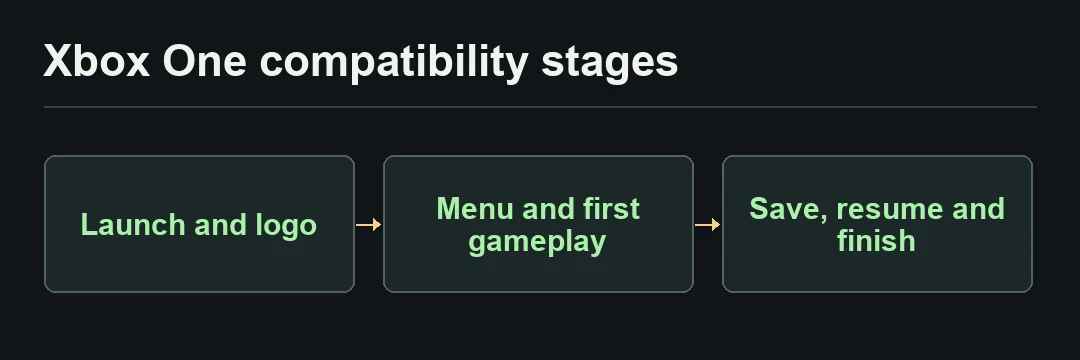
XWine1 and the six-title claim
XWine1 is a translation-layer project. Its developers reported six fully playable titles in an early progress update. Other demonstrated titles reached early screens or hit blockers. The figure is a historical report from that project, not a universal or permanently current compatibility count.
WinDurango is a separate project
WinDurango describes an Xbox One compatibility layer under development. Check the individual project’s code and release notes for current capabilities. Its repository activity is separate from XWine1 title demonstrations.
Look for a title-specific path
Check first for an official Windows edition or Xbox Play Anywhere support. Xenia is for Xbox 360. If your title has a 360 edition and a One edition, check compatibility for the correct release and title ID.
Common questions
Is there a mature general-purpose Xbox One emulator?
No mature general-purpose Xbox One emulator is documented in the sources reviewed here.
What does reaching a logo mean?
Some startup code and graphics ran. It does not establish in-game performance, saving or completion.
Can a Windows version use my Xbox purchase?
Only when the title and purchase qualify through an official entitlement such as Xbox Play Anywhere. Check the publisher or store listing.