
Blog ·
No Official GTA VI PC Requirements Yet. How to Read the Hardware Evidence.
Separate Rockstar’s unreleased Windows requirements from GPU Check fixture results, source-workspace sizes and console performance.
Rockstar has not published PC system requirements for GTA VI. A passed Xbox2Windows GPU Check is evidence about research fixtures, and Leonida’s workspace guidance is for building that project. Neither provides a CPU, graphics card or storage target for an official Windows edition.
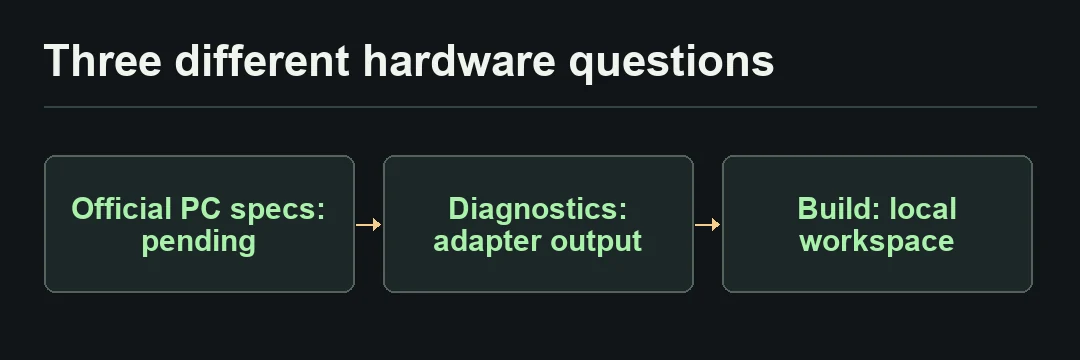
What to look for when PC requirements are announced
An official Windows requirements table should identify the operating system, CPU or GPU classes, memory and storage expectations. Some releases also include graphics presets and resolution targets. If a publisher specifies a frame-rate goal, keep the preset, upscaling settings and display resolution attached to it. The maximum screen output resolution and internal rendering resolution can differ. A label like “recommended GPU” can be too broad to predict the experience on a specific monitor without the surrounding details.
The first details could arrive as an official announcement, a verified store listing or a publisher support post. Each may initially cover a different part of the setup. When a game page lists support for PC before the requirements are finalized, the platform is confirmed and the hardware target is still pending. Read the source directly and note the page date. If multiple listings have conflicting numbers, check which is current and whether the storefront describes a specific edition or region.
Personal benchmarks can be useful after a release. For a fair comparison, record the same build and graphics mode, the area of the game being tested, the driver and the measurement method. A stable median frame rate can hide inconsistent pacing, and a single lightweight scene may differ from a dense area. These measurements require an actual build. Before a native PC release, estimates based on console specifications are only estimates about a different environment.
What the Windows GPU Check can tell you
The Xbox2Windows project provides a small official Windows x64 diagnostic with a SHA-256 digest. It exercises specific graphics tests and produces an adapter report. The maintainer’s instructions describe which tests were included in the published version and what to include in a report. Start with the official release and compare its published checksum before opening the ZIP.
On a dual-GPU laptop, the adapter used by a diagnostic may differ from the one you expected. Compare the full adapter name and driver version. If a test records a software adapter, treat the result as evidence for that software implementation. Software and hardware checks can both help narrow a graphics problem, but the result on one backend does not automatically apply to the other. The upstream hardware thread has examples of how the report distinguishes devices.
A diagnostic can skip a test if a required feature is unavailable. Read the reason and separate skips from completed pass or fail values. If a renderer or test depends on wave width, two devices with similar branding can return different capabilities. Re-run a specific supported test only when you know what changed, such as switching to a different adapter or driver. Updating drivers and switching GPUs at the same time makes any result hard to interpret.
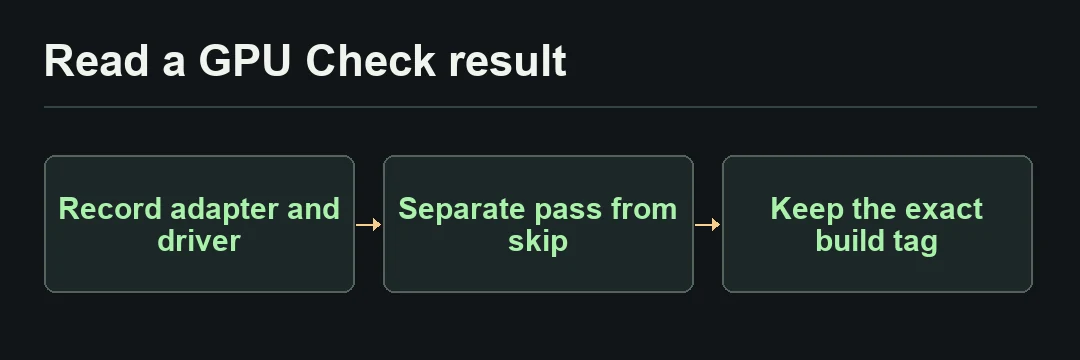
Why workspace space and install size differ
A recompilation build can store original project inputs, intermediate outputs, multiple variants of generated shaders, compiler logs and debugging data simultaneously. Development tools may retain caches to avoid repeating expensive work. A repository’s workspace estimate often reserves room beyond the final executable to allow all those files to coexist. An interrupted build can leave intermediate data which is valuable for inspection or costly to recreate.
Leonida’s reviewed README recommends about 400 GiB of free workspace and reports about 337 GiB for one export before the audio step. This describes the observed run and storage planning for the project. It does not specify the eventual Windows install size or guarantee a complete title startup. Inspect whether a reported number uses decimal GB or binary GiB before comparing it to a storage device’s retail labeling. The README explicitly distinguishes the units used by the Windows drive display.
A commercial title may compress some files, retain a separate patch staging area and offer language packs. The publisher can decide which content belongs in a minimum PC install. Even an official console preload size can differ by region or device. If storage planning matters to you, wait for a publisher requirement and allow for operating-system overhead and updates appropriate to your specific drive.
Why matching a console’s specification does not predict PC performance
Console developers tune the game for fixed hardware and a particular operating environment. A Windows version may have configurable graphics, different scheduling and memory arrangements, other driver code and support for hardware with a wider range of capabilities. A console’s shared memory figure is not a direct Windows RAM and VRAM split. Raw GPU performance figures also omit features and memory behavior that particular settings may rely on.
Rockstar’s console release materials describe a 30 FPS target for the supported machines, alongside differences in the rendering path. They are useful evidence for those consoles. They do not specify what framerate a desktop GPU would reach in a future Windows version. The current project fixtures likewise establish narrower behavior, such as whether a shader matched output on a reported adapter.
Keep a short record if you already tested a driver
Save the driver version, power mode and which adapter the diagnostic selected. A laptop can change device behavior when plugged in or when the operating system chooses a different default GPU. Avoid treating a single test failure as a ranking of device classes. An older driver can fail to expose a feature, while a newer one can produce different outputs under conditions the test explicitly distinguishes. To make your result useful for someone else, repeat the same release with the same options and note the outcome. Add a second run only for the factor you intentionally changed.
Decide which question you need answered
If you want to review current GTA VI availability, use the release tracker. If you want to reproduce an Xbox2Windows graphics result, use the release archive and keep the driver, test and tag. If you want to build local fixtures, read the source guide and the exact upstream prerequisites instead of relying on a game requirement chart.
This distinction is also useful when reading upgrade advice. A vendor may describe how a GPU handles another game at a specific preset. That is evidence about the measured game, even if the two games look similar. Look for requirements from Rockstar and independent measurements tied to actual builds once they exist. Until then, share any numbers as device-specific diagnostic results, build requirements or forecasts with the evidence and date attached.
Common questions
Can I choose a future Windows GPU using console specifications?
Console specs describe a fixed platform. A Windows version can have different settings, drivers and memory requirements. Wait for the Windows target before judging a specific GPU for the game.
What does a GPU Check pass establish?
It establishes the reported fixture result on the selected adapter and driver. Review the tests that passed and the ones that skipped before comparing systems.
How should I compare disk sizes mentioned in project guides?
Keep their units and workload labels. A workspace can include generated files and caches. A published minimum install requirement describes a separate workload. Check whether the value applies to an export, the whole build or the retail game.